Roblox Crosshair
Absolute precision in every click.
Presets · Size · Glow · Opacity.
Install once, works in every web game.
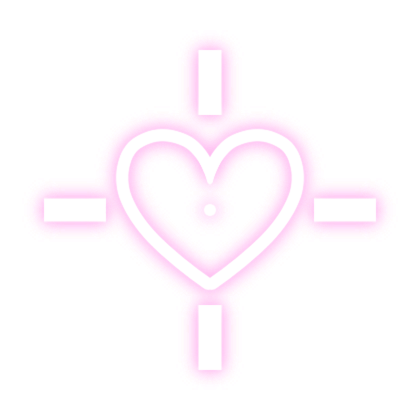
selected presetheart lock
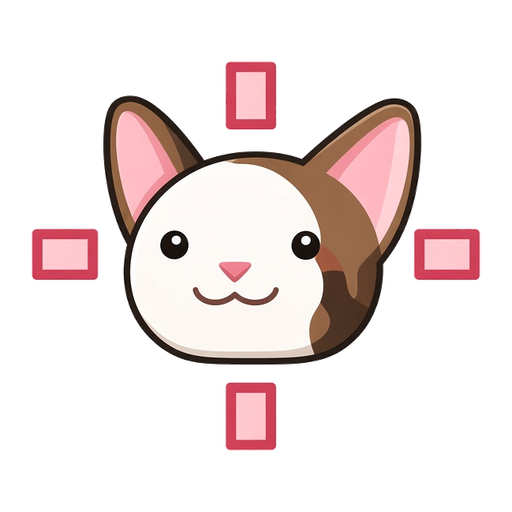 kittyheart
 paw
paw nyan
nyanWhat roclick adds
A crosshair overlay that runs entirely in your browser.
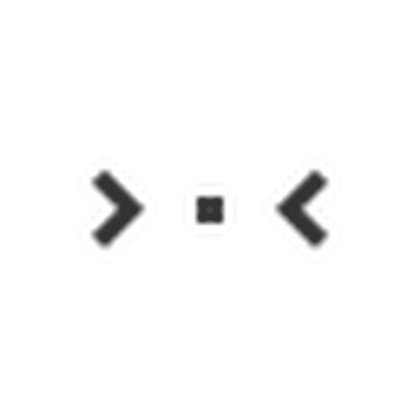
Built-in looks
Cats, hearts, bows, and clean rings. Switch from the popup anytime.
Screen only
Draws on top of the page. No aim assist and no game file edits.
Size and glow
Match the live preview sliders. Settings save when you close the popup.
Upload PNG
Bring your own art or tint a preset. See the upload guide on the site.
Works in your favorite games
Layers over whatever you play in the browser.
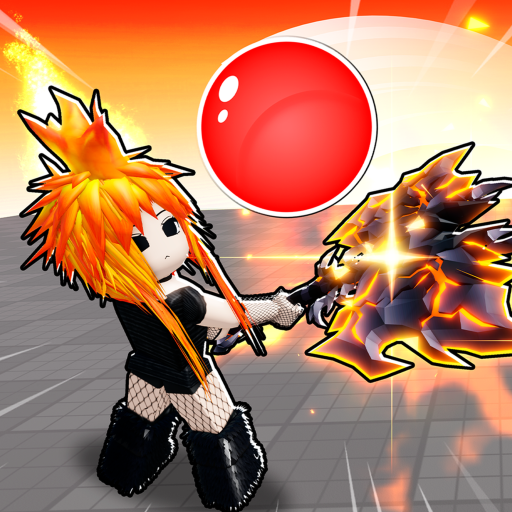

Backgrounds and vibes
Wallpapers for roblox.com from the extension pack.
How to install
Download the ZIP
Get roclick from the download page. Files sit at the root of the archive.
Enable Dev Mode
Open chrome://extensions and turn on Developer Mode.
Drag the ZIP in
Drop the file on the Extensions page. Chrome installs it for you.
Pick a preset
Pin roclick, open Roblox, choose a crosshair in the popup.
Learn roclick
Install once, pick a preset, tune sliders — or jump to a topic below.
Crosshair guides
Games & install
FAQ
What does roclick do?
roclick is a browser extension that draws a custom crosshair on your screen while you play Roblox in the browser. Pick a preset or upload a PNG, then tune size, glow, and opacity. Visual only.
Which browsers are supported?
Chrome, Edge, and Firefox are fully supported. Any Chromium-based browser (Brave, Opera GX, Vivaldi) should work too.
Is it safe for MM2 and other games?
It only changes what you see in the browser overlay. It does not auto aim, edit game files, or log into Roblox for you.
Do I need to unzip the download?
No. Drag the ZIP onto chrome://extensions with Developer mode on. Details are on the install page.
Where is the full preset list?
See the library page for every built-in look, or open the popup after install.
